IBPS Left Thumb Impression Resizer
Drop your signature, line it up in the frame and download a JPEG at 240 × 240 px, 20–50 KB. The settings below are already filled in for the IBPS Left Thumb Impression.
IBPS Left Thumb Impression requirements
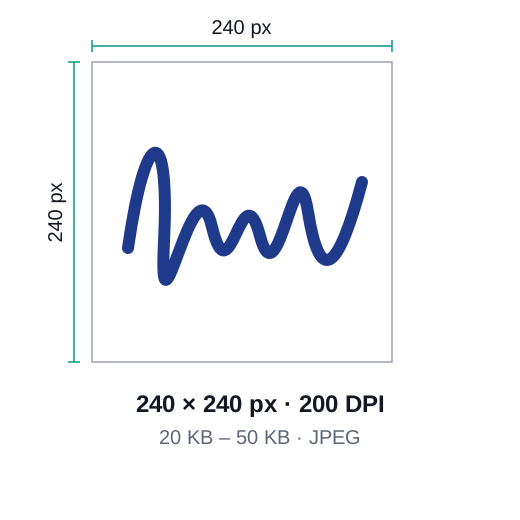
| Size | 240 × 240 px, 20–50 KB |
|---|---|
| Pixels (our output) | 240 × 240 px at 200 DPI |
| File size | 20–50 KB |
| Format | JPEG |
- 240 × 240 pixels (preferred), JPG
- File size 20 KB to 50 KB
- Left thumb with blue or black ink on white paper
- Scan or photograph it flat and sharp
Checked against official guidance in October 2026. Requirements change from time to time. Check the latest rules from IBPS.
Frequently asked questions
What size is a IBPS Left Thumb Impression?
240 × 240 px, 20–50 KB. Picwright exports 240 × 240 pixels at 200 DPI, 20–50 KB, as a JPEG.
Is my signature uploaded anywhere?
No. Cropping, background removal and compression all run on your device. Nothing is uploaded or stored.
Are these the latest official requirements?
They are taken from the official guidance of IBPS, but rules change. Always check the current notice or official page before you submit.
More free photo tools
 Passport photo maker2×2 in, 35×45 mm and visa sizes with the right background
 Compress to KBShrink a photo to 20 KB, 50 KB, 100 KB or any size
 Resize to 20 KBUnder 20 KB for exam and job formsResize to 50 KBUnder 50 KB for application photosResize to 100 KBUnder 100 KB with sharp detailResize to 200 KBUnder 200 KB for documents and visas
 Resize imageExact pixels, cm, mm or inches
 Change backgroundWhite, blue, red or any colour with AI
 Change DPISet 300 DPI or any value without resampling
 Convert to JPGPNG, WebP to JPG — or the other way round